 Monolo
Speaking practice
Turn what you know into what you can actually say.
Just talk about whatever's on your mind and record it.
AI transcribes and corrects what you said, and your own mistakes become your review questions.
No booking. No partner.
For iPhone and iPad
Problem
You know the words.
They just don't come out.
- You translate in your head, and the conversation moves on without you
- You tried speaking, but nobody told you what sounded off
- Booking lessons, or speaking in front of someone, makes it hard to keep going
What's missing isn't knowledge. It's practice getting what you know out loud.
Monolo is built so you can keep doing that practice on your own.
Monologue
It's a monologue,
so you're the one talking.
Practice in Monolo means talking on your own.
That gives you something conversation practice doesn't.
-
POINT 1
You lead the whole time
You choose the topic, the order and how far to take it. Instead of only answering someone's questions, you practice getting everything you wanted to say all the way out.
-
POINT 2
No waiting for anyone
There's no waiting for a reply or for your turn. From the moment you hit record until you stop, it's all your speaking time.
-
POINT 3
No booking, no partner
Start the moment you feel like talking, without worrying about anyone watching.
How it works
Speak. Get corrected. Review your own words.
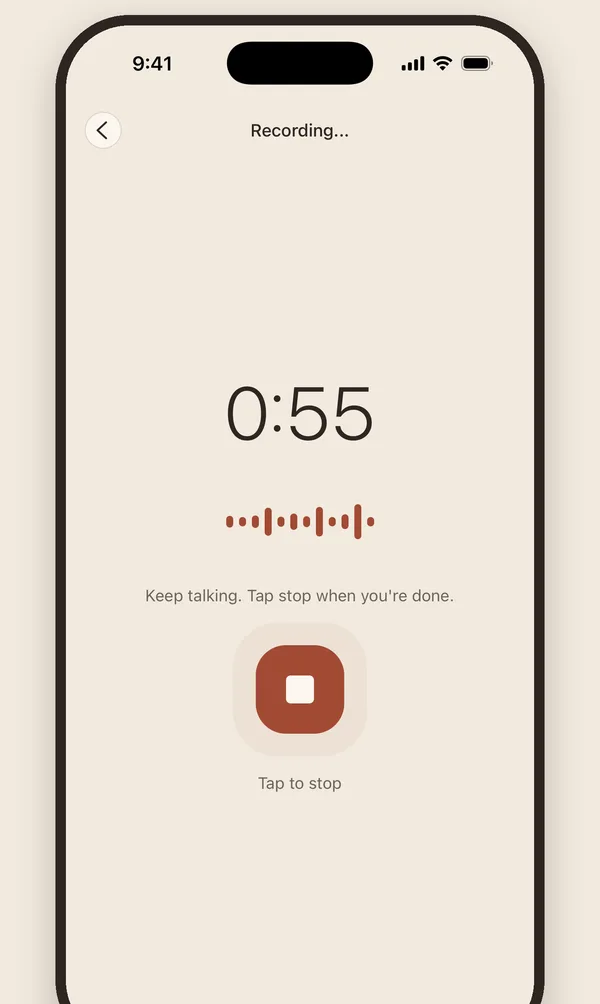
No one to worry about. Speak at your own pace.
Talk about yesterday, today or your plans for tomorrow. Anything works. Each recording runs from 15 seconds up to 5 minutes, and it's fine to pause or stumble.
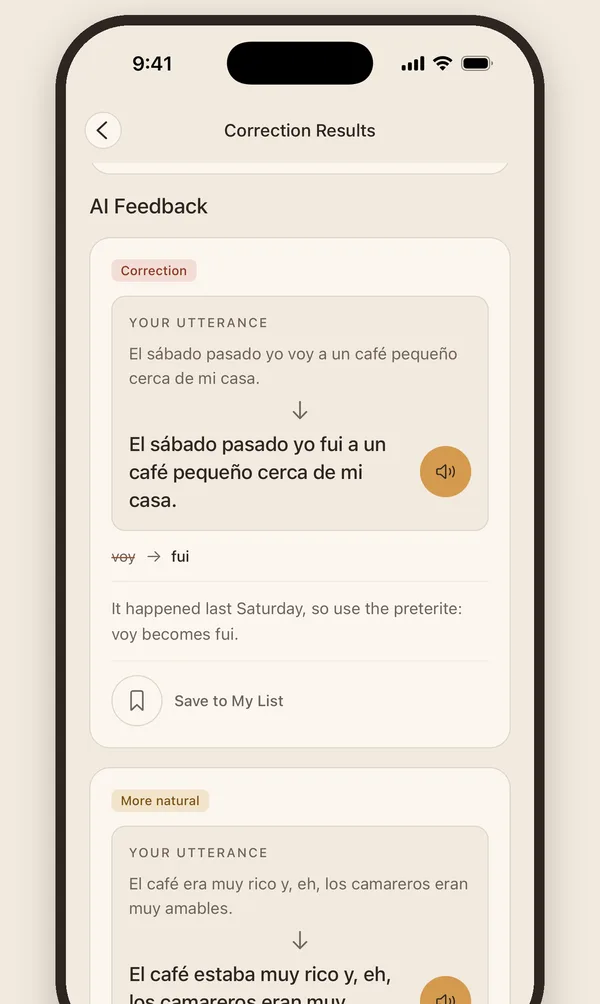
AI turns what you said into something more natural
Under the transcript of what you said, you'll see a more natural way to say it and why. You can listen to the suggestion out loud, and save the ones you want to keep to My List.
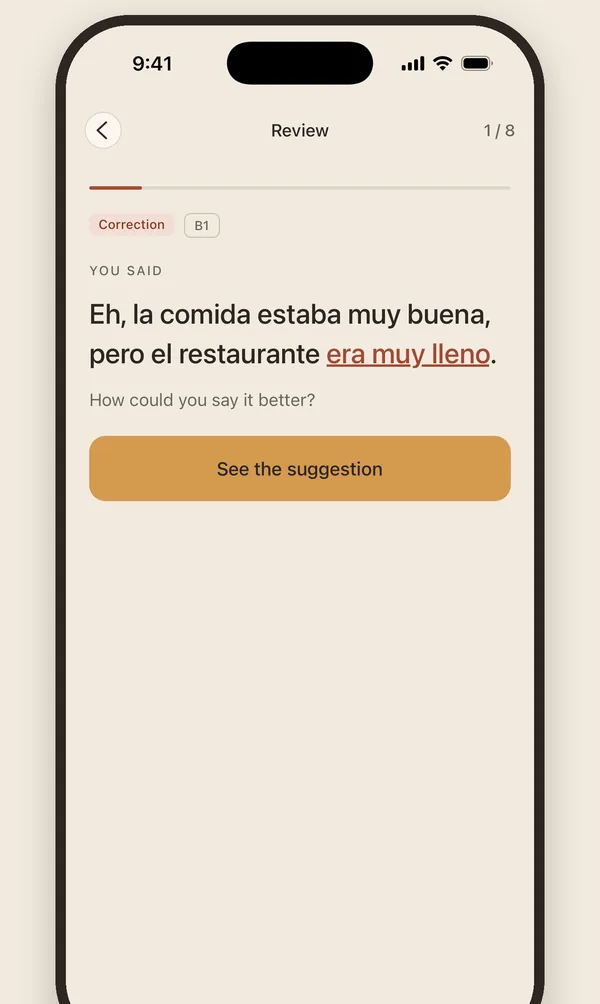
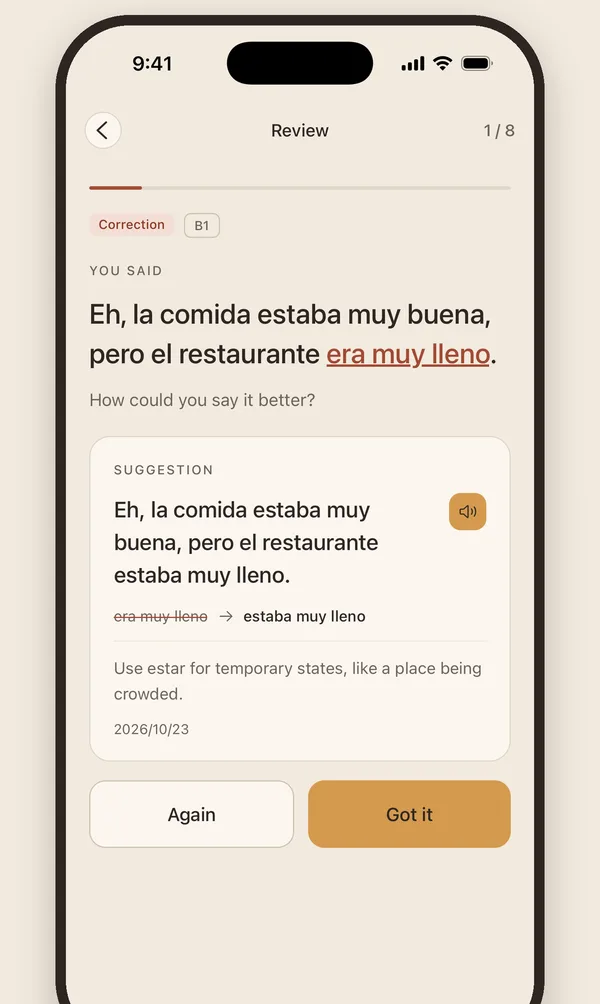
Your own words, so your review sticks
Review questions are the exact sentences you said. Think of a better way to say it, then check the suggestion. They're not textbook examples. They're what you actually wanted to say, so you can use them next time.
Level
Feedback that fits your level.
Speak more, and your level goes up.
-
Corrections matched to your level
You start by speaking briefly so the app can check your current speaking level (from below B1 to C2 on the CEFR scale), or you can choose it yourself. Corrections and explanations are pitched at that level.
-
Your level rises as you speak
Each time you get feedback, AI estimates the level of how you spoke. When you keep speaking above your level, it moves up automatically, and your feedback adjusts to the new level.
Habit
Every time you speak, you can do a little more.
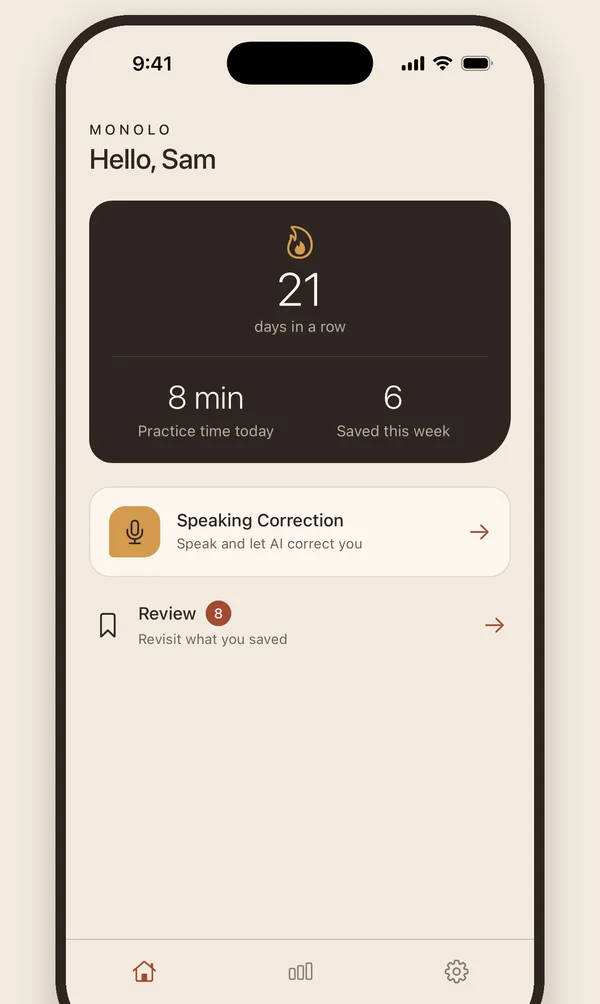
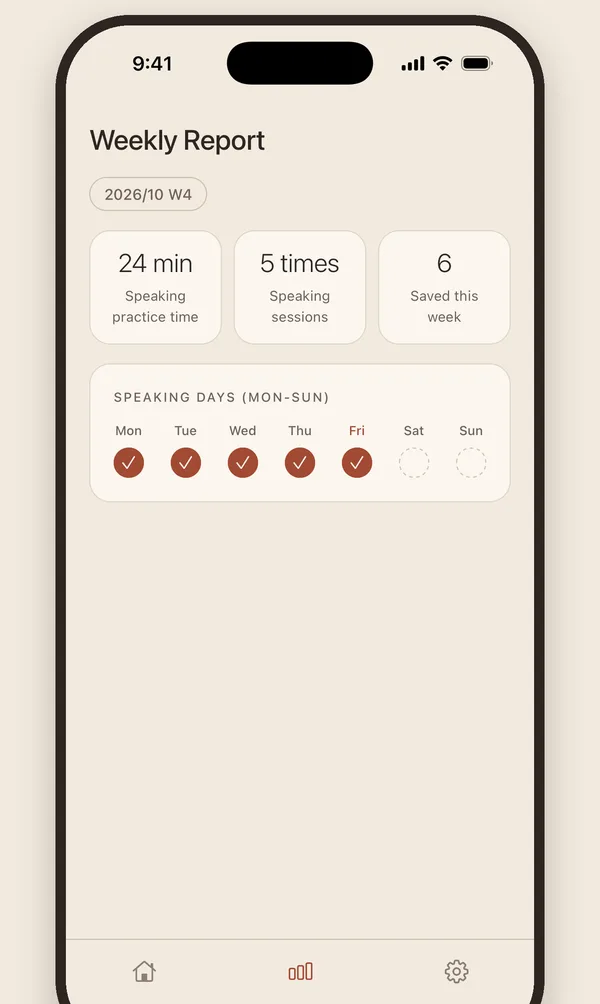
Your streak, practice time and a weekly report show how much you've spoken.
See when a saved phrase becomes yours
When you use a phrase from My List in a later session, the correction results show “You used saved phrases!” You can see the words you studied turning into words you actually say.
Languages
Languages you can practice
- Spanish
- English
- French
- Korean
- Japanese
Explanations and the app itself are available in English or Japanese.
FAQ
Frequently asked questions
Which devices does it work on?
iPhone and iPad. There is no Android version at the moment.
What level do I need to be?
You start by speaking briefly so the app can estimate your current speaking level (or you can choose it yourself). Feedback is adjusted to that level.
How long should I speak each time?
Each recording runs from 15 seconds up to 5 minutes. Even a short session every day helps.
How much does it cost?
See the App Store listing and the app for plans and pricing, shown in your local currency.
What happens to my recordings?
They're used to transcribe and correct what you said. See the Privacy Policy for details.
Other questions? Visit Support & FAQ.
Say something today.
No booking, no partner. Practice the moment you feel like it.